Say it better examples
Everyday phrases and sentences, before and after. Each version keeps what the writer meant.
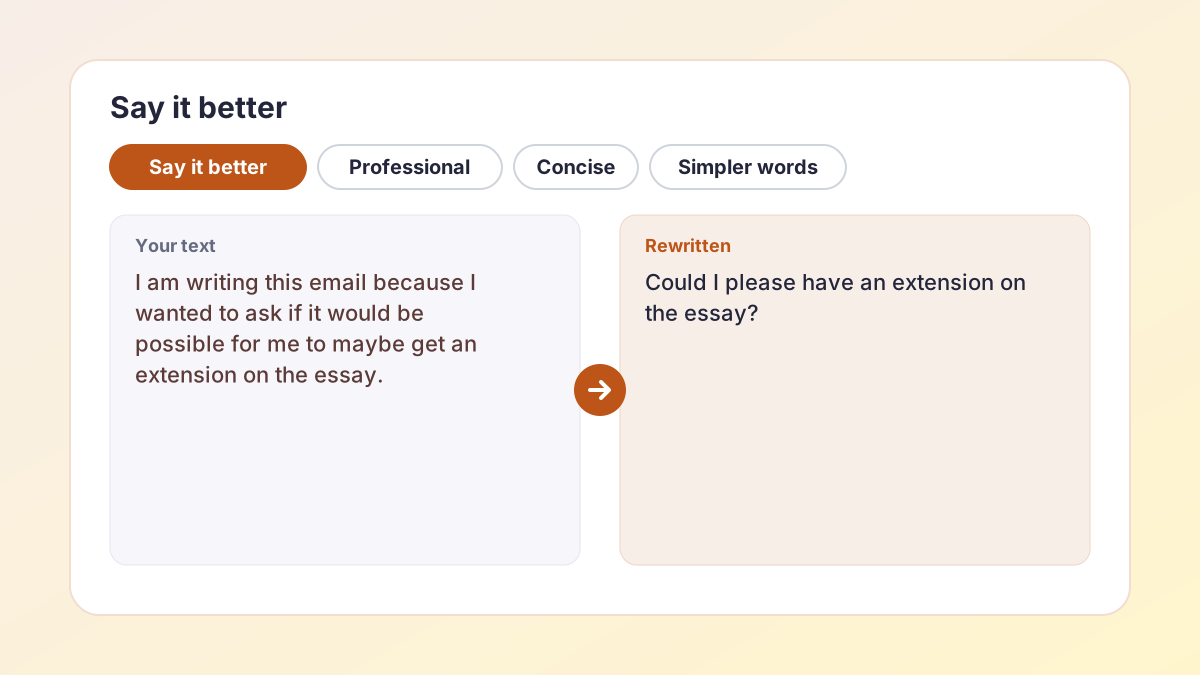
BeforeI am writing this email because I wanted to ask if it would be possible for me to maybe get an extension on the essay.
AfterCould I please have an extension on the essay? I would be grateful for a few extra days.
Direct and polite; the request is now the first thing the reader sees.
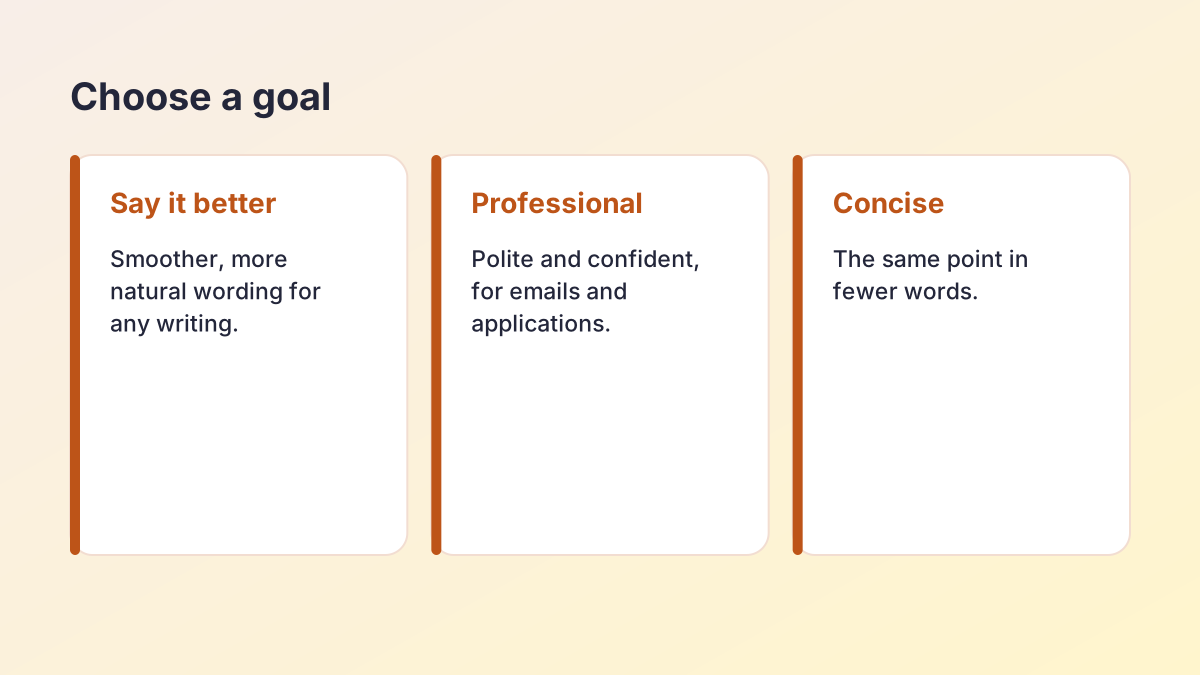
BeforeThe thing about the book that I liked was the way that the ending was surprising.
AfterWhat I liked most about the book was its surprising ending.
Fewer “that”s and “the way that”; same opinion.
BeforeClimate change is a really big problem that is affecting lots of things.
AfterClimate change is a serious problem with wide-ranging effects.
Vague words (“really big”, “lots of things”) replaced with precise ones.
BeforeIn my opinion, I think that we should probably try to start the project earlier next time.
AfterWe should start the project earlier next time.
Doubled opinion markers removed.
BeforeSorry for the late reply, I've been super busy lately.
AfterThank you for your patience while I got back to you.
Turns an apology into a gracious, confident opener.
BeforeWe endeavoured to ascertain the underlying cause of the malfunction.
AfterWe tried to find out what caused the fault.
Plain words, same meaning.
How to use Say It Better
Works on a single phrase, a sentence or a short paragraph, up to about 1,500 words.
- Paste your words. Copy the phrase or sentence that sounds wrong and paste it into the box.
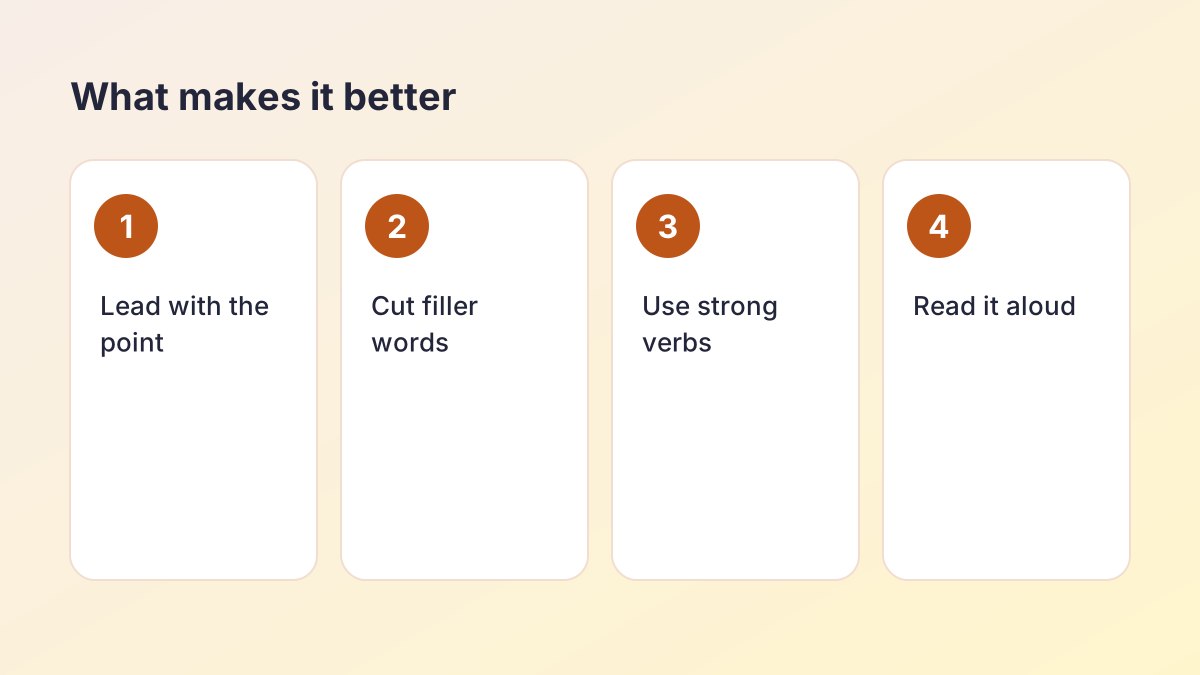
- Pick a goal. Say it better for smoother wording, Professional for emails and applications, Concise to cut words, Simpler words for plain English.
- Select Say it better. The improved version appears next to your original.
- See alternatives. Select a sentence and choose See alternatives for more ways to say it, then pick your favourite.
- Make it yours. Adjust a word or two so it sounds like you, then copy it into your writing.
What does Say It Better do?
Say It Better is a free tool that rewrites a phrase or sentence so it sounds smoother, clearer and more natural, while keeping exactly what you meant. It is for the moment when you read your own sentence back and think, “That's not quite right.”
It does not add new ideas or change your point. It works on the way the point is expressed: word order, word choice, rhythm and tone. You get several versions to choose from, because there is rarely only one good way to say something.
When to use it
- A sentence in your essay sounds clumsy or repetitive.
- An email to a teacher or employer needs to sound more polite and confident.
- You are writing in English as a second language and want it to sound natural.
- A caption, bio or message feels flat.
- You keep using the same word and need another way to say it.
Is it a word changer?
A word changer swaps individual words for synonyms. That often makes writing worse, because a synonym rarely fits every context. Say It Better rewrites the whole phrase, so the grammar and rhythm improve together with the vocabulary.
Say this better: what “better” actually means
When you ask a tool to say this better, “better” usually means one or more of the following. Knowing which one you need helps you choose the right goal.
Clearer. The reader understands it on the first read. The main point comes early and nothing is ambiguous.
Shorter. Filler words and repeated ideas are gone. “In my opinion, I think” becomes “I think”, or disappears entirely in formal writing.
More natural. It sounds like something a fluent speaker would actually say. This matters most for English language learners, whose sentences are often grammatically correct but slightly unusual.
More confident. Hedges you do not need, like “maybe”, “sort of” and “I just wanted to”, are removed, so you sound sure of what you are saying.
Right tone. Formal enough for an essay or email, relaxed enough for a message to a friend.
What “better” does not mean
Better does not mean longer or fancier. Replacing simple words with rare ones (“use” with “utilise”) usually makes writing harder to read, not more impressive. The best writing sounds effortless. If you want the opposite, a grander tone, try the Academic goal on the AI Sentence Rewriter instead.
How to say this better: techniques you can use yourself
You do not always need a tool. These five techniques fix most awkward sentences, and they are exactly what Say It Better does behind the scenes.
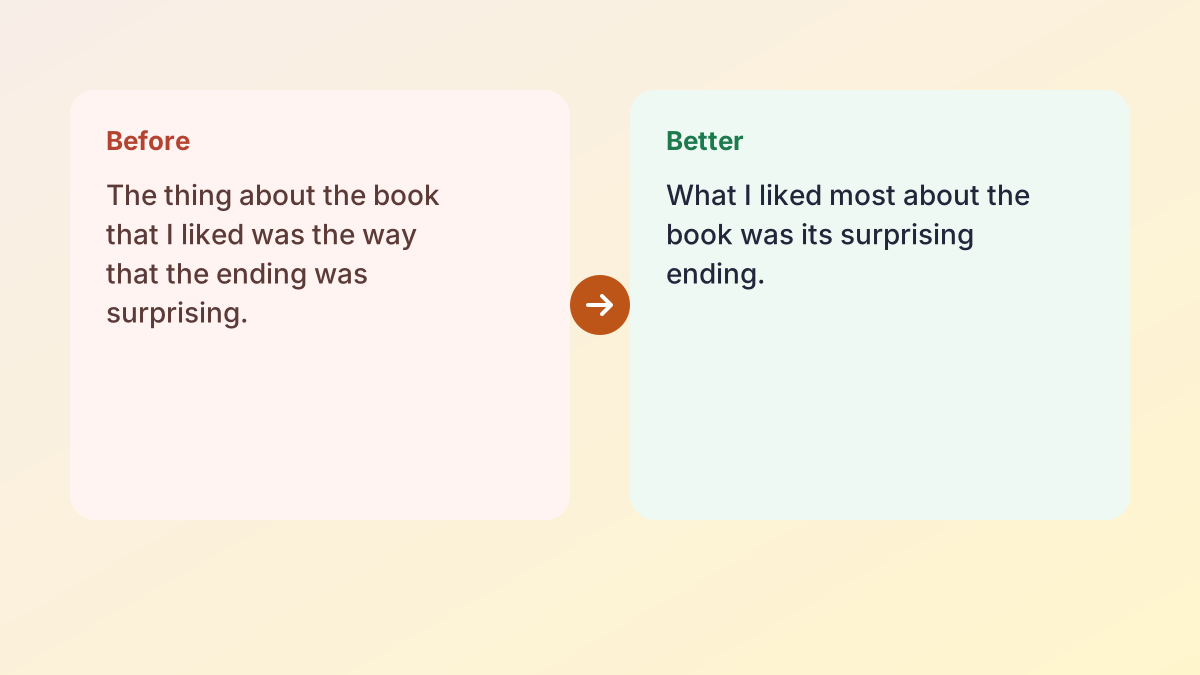
1. Lead with the point
Put the main idea at the start. “The reason why I am late is because the bus broke down” becomes “I'm late because the bus broke down.”
2. Cut empty phrases
Remove words that do no work: “the fact that”, “in order to”, “it is important to note that”, “basically”, “really”. The University of North Carolina Writing Center's handout on word choice lists many more.
3. Use a strong verb
Swap a weak verb plus a noun for one strong verb. “Make an improvement” becomes “improve”; “give an explanation” becomes “explain”.
4. Be specific
Replace vague words with precise ones. “A lot of people” becomes “most students in my class”; “a big effect” becomes “a 20% drop”.
5. Read it aloud
Your ear catches problems your eye misses. If you run out of breath, the sentence is too long. If you stumble, the word order needs changing.
Say it better in emails and messages
Emails are where wording matters most, because the reader forms an impression from a few lines. The Professional goal is designed for this.
Asking for something
Before: “I was just wondering if maybe you could possibly look over my draft if you have time.”
Better: “Would you be able to look over my draft this week?”
Apologising
Before: “Sorry sorry, I totally forgot about the deadline.”
Better: “I apologise for missing the deadline. I have attached the work now.”
Following up
Before: “Did you see my last email?”
Better: “I wanted to follow up on my email from Monday about the project.”
Saying thank you
Before: “Thanks so much for everything, it was really helpful.”
Better: “Thank you for your feedback on my essay. The comments on structure were especially helpful.”
Notice the pattern: be direct, be specific, and remove unnecessary apologies and hedges. The Purdue OWL's guide to email etiquette for students covers greetings, subject lines and sign-offs too.
Say it better in essays
In academic writing, “better” usually means clearer and more precise rather than more elaborate. Use Say It Better on the sentences that a teacher might mark as “awkward” or “unclear”.
Common essay fixes
- Vague openings: “Throughout history, people have always…” becomes a specific claim about your topic.
- Repeated words: if “shows” appears five times in a paragraph, ask for alternatives such as “reveals”, “suggests” or “demonstrates” where the meaning fits.
- Informal phrases: “a lot of”, “really”, “stuff” and “things” become precise academic terms.
- Long, tangled sentences: split them into two, or use the Concise goal.
Keep your argument
Say It Better changes wording, not ideas. Your claim, evidence and analysis stay yours. If a suggested version changes your meaning, for example by making a cautious claim sound certain, it is marked for you to check, and you should keep your original wording.
Responsible use
Improving your own sentences is normal editing, much like asking a friend to read your draft. Rewriting someone else's text and presenting it as your own is plagiarism, however different the words are. If the idea came from a source, cite it.
Sounding natural in English
Many people who search for a better way to say something are writing in a second or third language. Their sentences are often grammatically correct but sound slightly unusual to a native speaker. Say It Better helps close that gap.
Common patterns it fixes
- Word order: “I very like this book” becomes “I really like this book.”
- Prepositions: “I am good in maths” becomes “I am good at maths.”
- Collocations: “do a mistake” becomes “make a mistake”; “strong rain” becomes “heavy rain”.
- Over-formal phrasing: “I am kindly requesting” becomes “I would like to ask”.
- Literal translations from another language that do not quite work in English.
Learn from the changes
Do not just copy the improved version. Compare it with your original and notice what changed. Over time, you will start writing the natural version first. Keeping a short list of the corrections you see most often is one of the fastest ways to improve.
US or UK English
Choose US or UK spelling under More options, so “colour” and “color”, or “organise” and “organize”, match your school.
Overused phrases and fresher alternatives
Some phrases appear in so many essays that markers stop noticing them, or notice them for the wrong reasons. Swapping them out is one of the quickest ways to make writing feel sharper. Always choose the alternative that fits your exact meaning; these are starting points, not direct replacements.
- “In today's society” → name the actual time or place: “Since 2010”, “In UK secondary schools”.
- “Since the dawn of time” → cut it and start with your real claim.
- “This shows that” (used repeatedly) → “This suggests”, “This reveals”, “From this, it follows that”, or merge the evidence and the point into one sentence.
- “A lot of” → “many”, “much”, “most”, or a number.
- “Very important” → “essential”, “central”, “crucial”, or explain why it matters.
- “In conclusion” → let the restated thesis signal the ending, or use “Overall” sparingly.
- “I believe” in formal essays → state the claim and support it; the evidence carries the conviction.
- “Due to the fact that” → “because”.
- “Each and every” → “each” or “every”.
- “At the end of the day” → “ultimately”, or cut it.
Why clichés weaken writing
A cliché tells the reader you reached for the first phrase that came to mind. Precise, specific language tells them you thought about what you wanted to say. It does not have to be clever; it just has to be exact. A plain sentence that says precisely what you found will always beat a decorated one that says very little.
Spotting your own habits
Everyone has a few favourite phrases. Read a recent essay and highlight any expression that appears more than twice. Those are the ones to vary first. Pasting a paragraph into the tool and asking for alternatives is a fast way to see other options side by side.
Will it keep my meaning?
It is designed to. Numbers, dates, names, quotes and citations are protected before rewriting and restored afterwards, so they never change. After rewriting, each sentence is compared with your original. If a negative such as “not” disappeared, a hedge such as “might” became “will”, or a number changed, the sentence is marked for you to review.
Still, only you know exactly what you meant. Read the new version and ask: is this what I wanted to say? If not, try an alternative or keep your original.
Protect key words
If a word must stay exactly as it is, such as a technical term, a name or a phrase from the assignment question, add it under More options as a protected term.
Privacy
The Study Corp does not store your text. It is sent to our AI providers (Groq, with Google Gemini as a backup) only to create the versions you see.
Other ways to improve a sentence
Say It Better is best for short phrases and single sentences that sound awkward. For other jobs:
- To reword a whole paragraph with a set goal, use the Paragraph Rewriter.
- To make text easier to read for a younger audience, use the Text Simplifier.
- To cut a long passage down to one or two sentences, use the Sentence Shortener.
- To finish a sentence you are stuck on, use the Sentence Finisher.
- To reword anything quickly in your own words, try the Rewording Tool.
Say It Better FAQ
Is Say It Better free?
Yes. It is free with no account or sign-up. A fair hourly allowance per visitor keeps it fast for everyone.
How do I say this better?
Paste your phrase or sentence, choose a goal such as Say it better or Professional, and select Say it better. You will see an improved version and can ask for alternatives.
Is it the same as a word changer?
No. A word changer swaps single words. Say It Better rewrites the whole phrase, so the grammar and rhythm improve too.
Can it make my email sound more professional?
Yes. Choose the Professional goal for polite, confident wording suited to teachers, employers and applications.
Will it change my meaning?
It should not. Numbers, names and quotes are protected, and any sentence where a negative or hedge changed is marked for you to check.
Does it work for English learners?
Yes. It fixes word order, prepositions and unnatural phrasing so your writing sounds fluent.
How much text can I paste?
Up to about 1,500 words, though it works best on phrases, sentences and short paragraphs.
More free rewriting tools
- AI Paraphrasing ToolParaphrase any text, and learn to paraphrase and cite well.
- AI Sentence RewriterFix an awkward sentence and choose from several better versions.
- Paragraph RewriterMake the sentences in one paragraph connect and flow.
- Rewording ToolReword any text in fresh words: emails, reports, applications and more.
- Essay RewriterRewrite a whole essay or paper, paragraph by paragraph, keeping its structure.
- Restate Thesis GeneratorRestate your thesis in new words for the conclusion, keeping the same claim.
- Text SimplifierSimplify text to a reading level: grade 5, grade 7, grade 9 or plain English.
- Sentence ShortenerShorten text or combine it into 1, 2 or 3 sentences, keeping every key fact.
- Sentence FinisherGet five ways to finish a sentence you started.
- Sentence ExpanderExpand a sentence into a fuller, more detailed version without new facts.
- Poem RewriterParaphrase a poem line by line, modernise it, or polish your own poem.
See all 74 free tools for students
Related tools
Last updated by The Study Corp editorial team.